GUIDE
Buying a used 3D printer: what to check first
A used 3D printer can cost less than half of a new one. But a printer is not “an appliance that still turns on” — it is a machine. Mod history, wear and discontinued parts are often left out of the asking price.
This is not a verdict on any specific listing. It is a list of what to check before you pay. A few numbers, such as the price ratio, are marked [assumption].
1. Ask first (chat stage)
| Question | Why it matters |
|---|---|
| Exact model name | Same brand, completely different parts |
| When it was bought | 3–4 years old means parts may be discontinued |
| Total print hours | A number beats “barely used” |
| Any mods | Swapped nozzle, hotend or board is a risk |
| Repair history | Repaired parts tend to fail again |
Also ask “why are you selling it?” If the answer is “I upgraded”, that is usually fine. If it is “I never really used it”, look harder at the condition.
2. The risk depends on the type
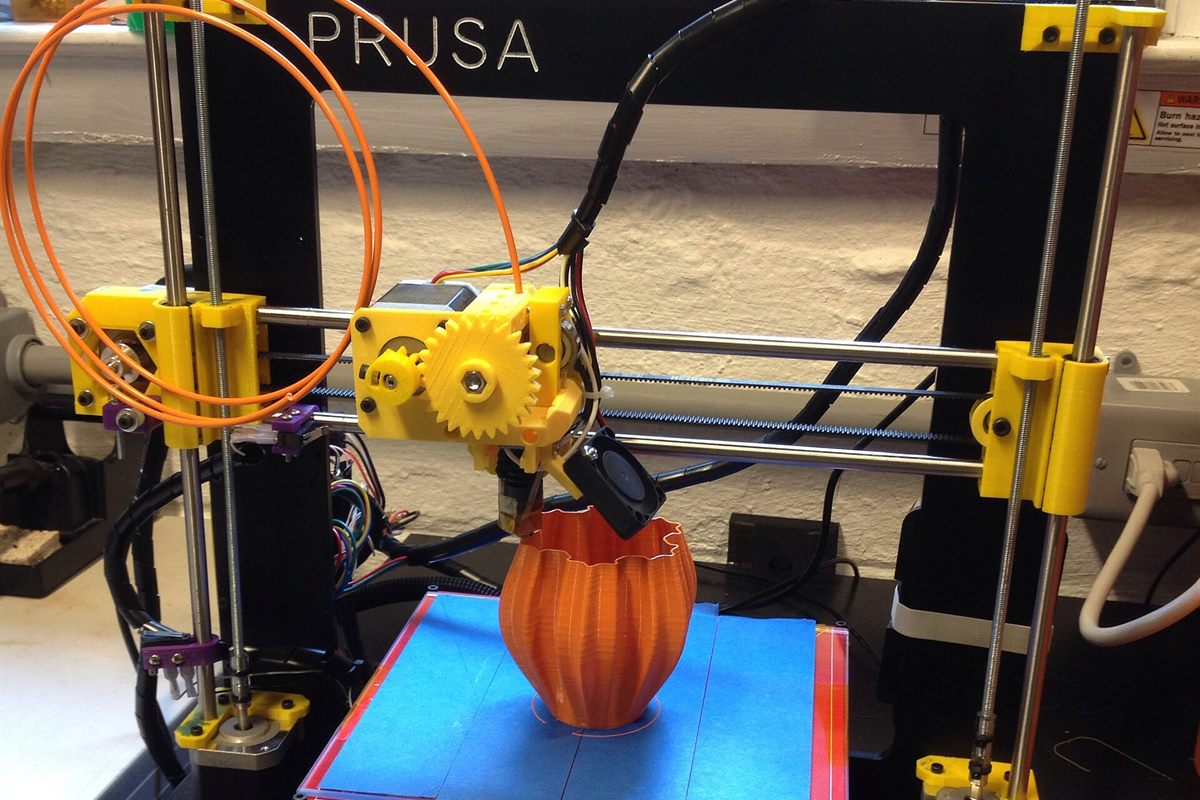
FDM (filament)
- Nozzle and hotend wear — consumables. Find out what a replacement costs
- Bed surface — a scratched PEI sheet needs replacing
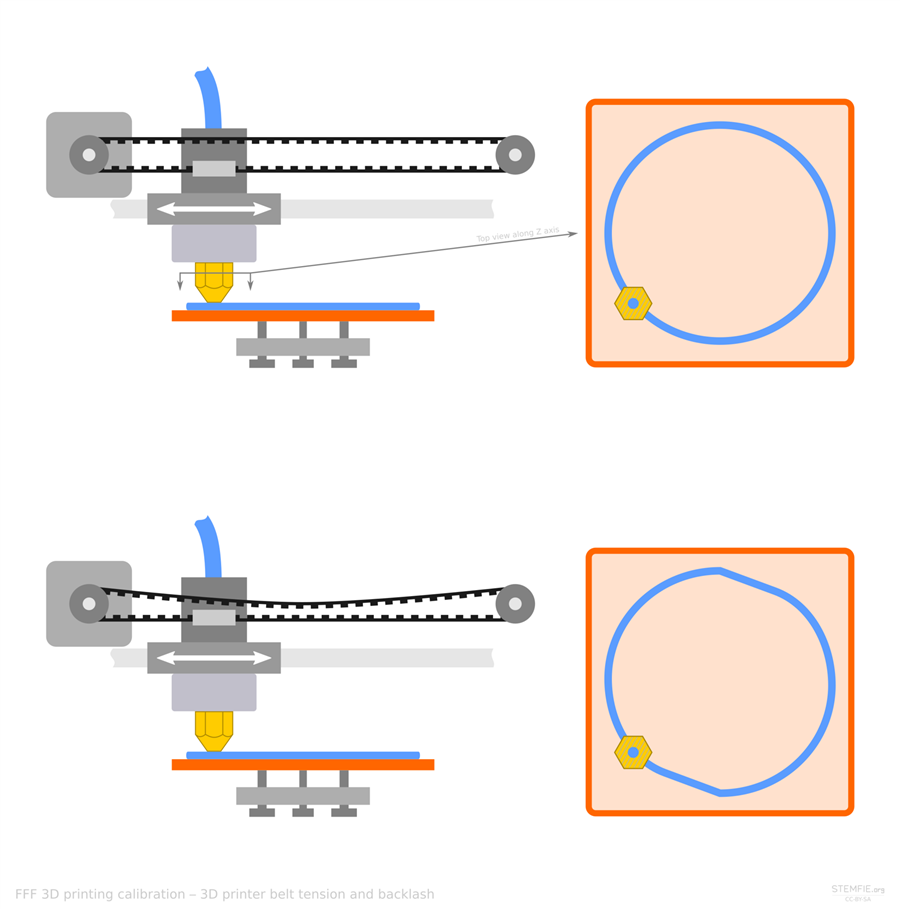
- Belts and linear rails — play here shows up as shaky prints
- Mod history — a swapped board or firmware is hard to return to stock settings
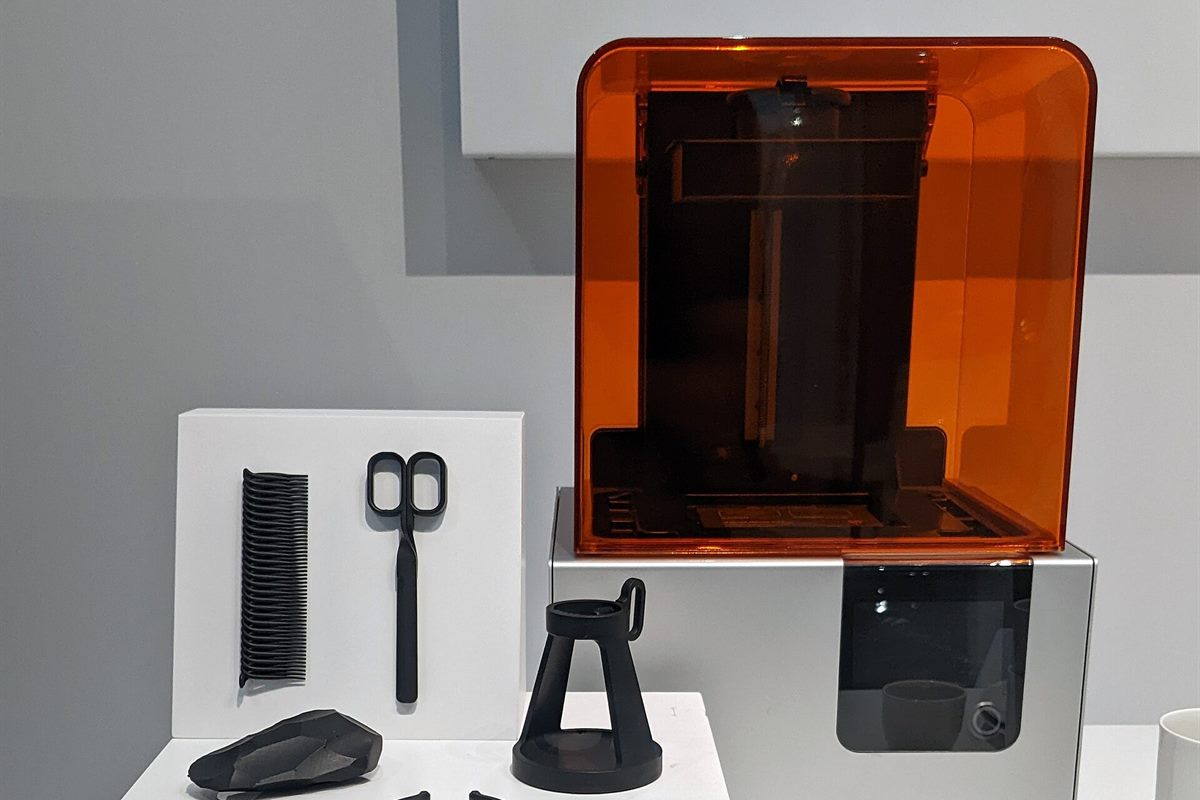
Resin (SLA/DLP)
- LCD panel life — usually the biggest single expense. Check hours and whether it has been replaced
- FEP film — look for scratches and cloudiness
- Leftover resin — a stored machine is often dirty inside
- Wash and cure included? — buying them separately raises the total
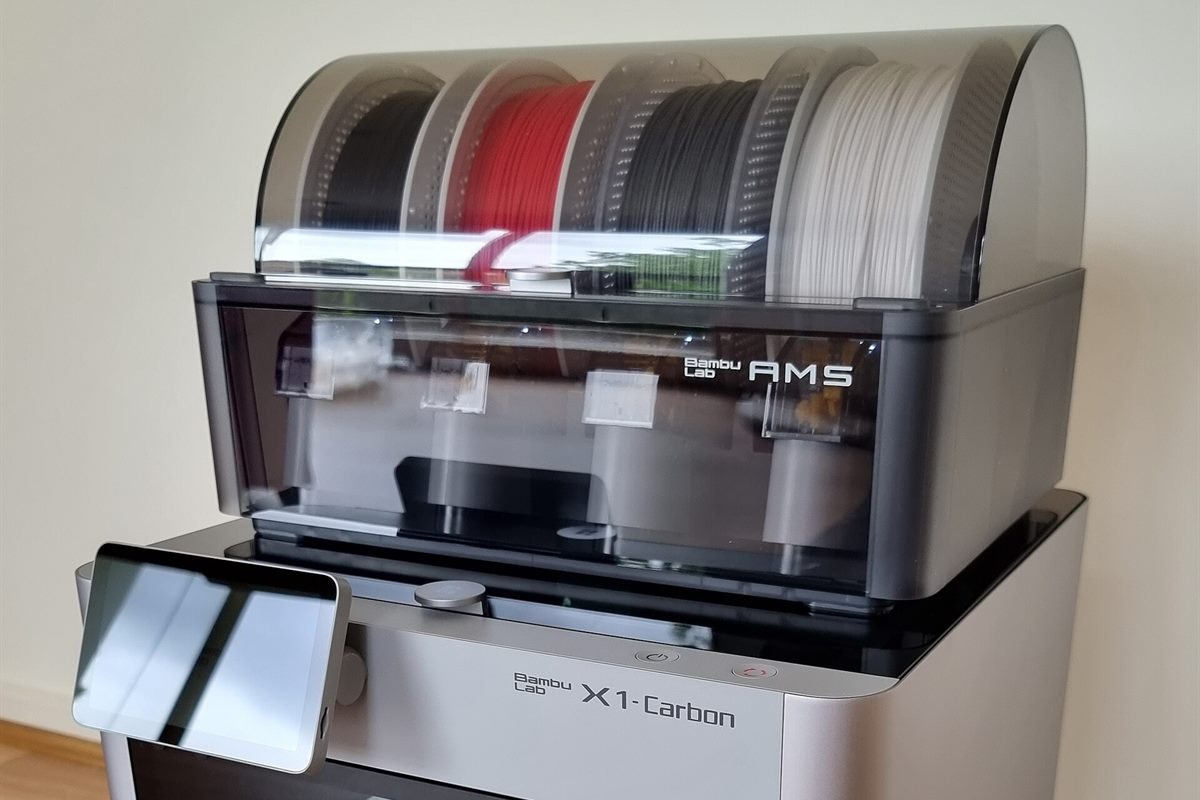
Multi-colour and tool changers
- AMS or tool units fail more often than the printer body
- Check whether colour-changing parts can be bought individually
- Tool changers are harder to align and calibrate
3. For a used Bambu Lab, check the account
Bambu Lab machines can be tied to a cloud account. If the previous owner's account is still linked, ownership verification and factory reset can block you. The official procedure is documented in the account unbinding guide.
- Before paying, ask “can you unbind the account?”
- If possible, reset it in person before taking it home
- After the reset, confirm a basic print still works
Account and firmware policies can change. Check the official guidance at the time of the sale.
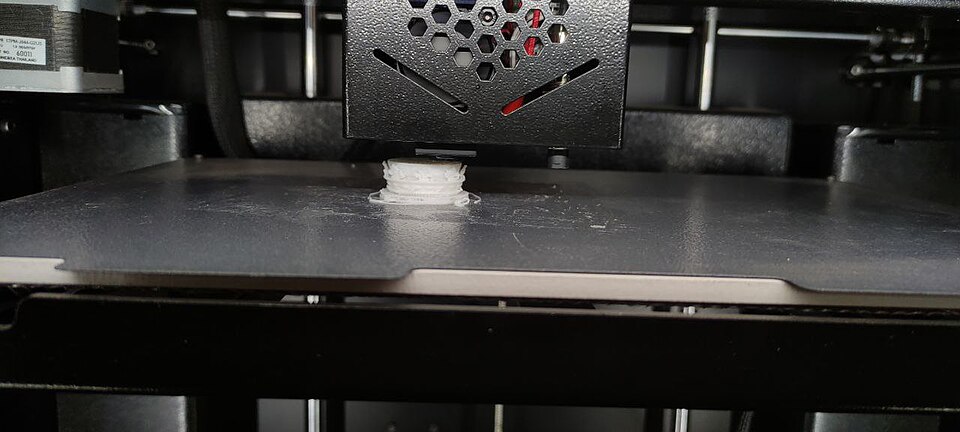
4. Checks to do in person
If you can, watch it actually print. Photos will never tell you.
| Check | How |
|---|---|
| Axis play | Power off, wiggle the head by hand |
| Belt tension | Press with a finger and feel the spring |
| Bed flatness | Watch the auto-levelling result screen |
| Heater and thermistor | Heat up and time how long it takes to reach target |
| Fan noise | Listen for screeching or rattling |
| A real print | Print a small model on the spot, 10–20 minutes |
Seeing the first layer is the single most useful test. An uneven first layer means the bed, the nozzle or the levelling is off.
5. Judging the price
Used prices split by model, age and parts availability. In practice they land around 50–70% of new [assumption], with exceptions for popular and discontinued models. For new prices to compare against, see our budget printer comparison.
- Popular models hold their value → if the gap is small, buy new
- Discontinued models are cheap because you cannot get parts
- Bundled accessories lower the real price (filament, nozzles, beds)
6. Paying safely
| Method | Caution |
|---|---|
| In person | Daylight, somewhere with a power outlet. Pay after the test print |
| Shipping | Record video of unboxing and first power-on. It is your evidence if it arrives damaged |
| Platform payment | Use buyer protection where possible. Avoid sellers who insist on bank transfer only |
“Must sell today” and “this price only today” are phrases designed to rush you. Do not rush.
7. The first things to do after buying
- Clean — clear debris around the bed and nozzle
- Calibrate — E-steps, flow, bed levelling
- Replace consumables — swap the nozzle, PEI sheet or FEP if there is any doubt
- Dry the filament — the last owner may have stored it open. See filament storage and drying and our food dehydrator test
- Test print — record the condition with a standard cube or benchy. If something looks wrong, start from 10 print failures and their causes
8. One-page summary
| Stage | Check |
|---|---|
| Chat | Model · purchase date · print hours · mods · repair history |
| Type | Parts availability · consumable cost · discontinued? |
| Multi-colour / resin | AMS or tool unit state / LCD panel and FEP |
| Bambu Lab | Account unbound · factory reset |
| In person | Axis play · belts · first layer · 10–20 minute print |
| Payment | Buyer protection · video record |
The short version
The real question is “can I fix this machine?” If parts are available, the mod history is clear and the first layer is even, it is worth buying. Buy it only because it is cheap, and the difference comes back as parts bills.
Sources
- Bambu Lab — Printer Account Binding Guide (checked November 2026)
- Bambu Lab — Printer Account Unbinding Guide (checked November 2026)
- Manufacturer support pages and parts stores (checked November 2026)
- Images from Wikimedia Commons; author and licence are credited in each caption (CC BY 2.0 / CC BY-SA 4.0, cropped or resized)
- The price ratio is an [assumption] based on market practice — actual prices vary by listing
What will you make with it?
Free 3D printing tools