TOOLS
Tools
Five tools I built, and the software most people end up learning anyway.
My tools
Free · in-browser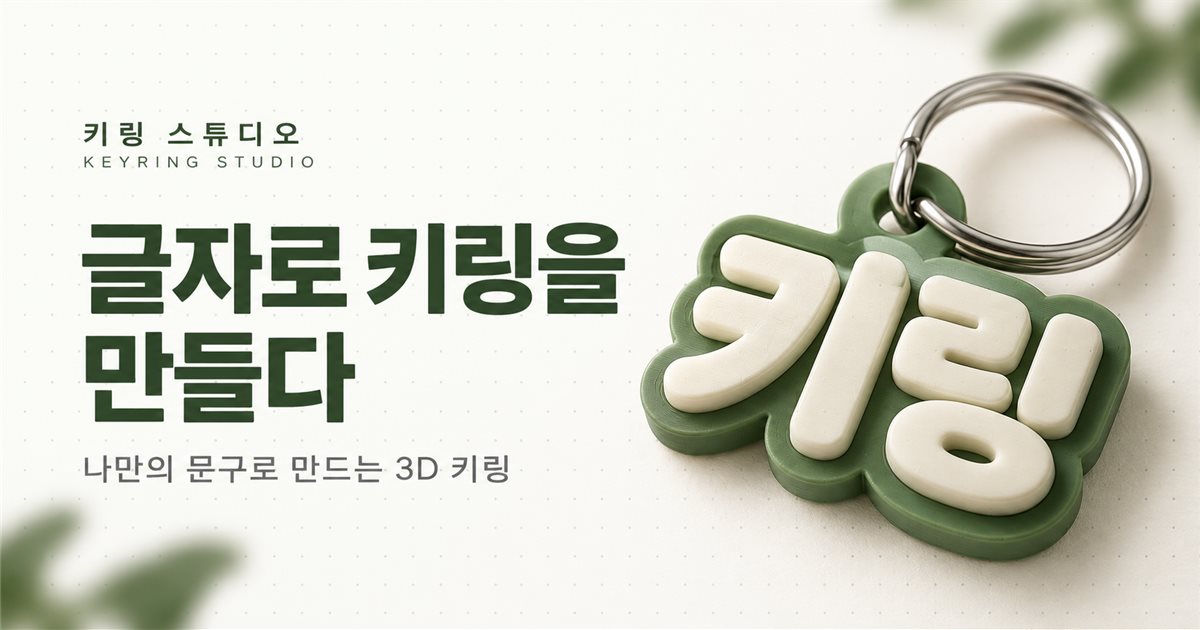
Keyring Studio
FreeType text, pick a font, choose colours, export OBJ or 3MF. Good for name tags and gifts.
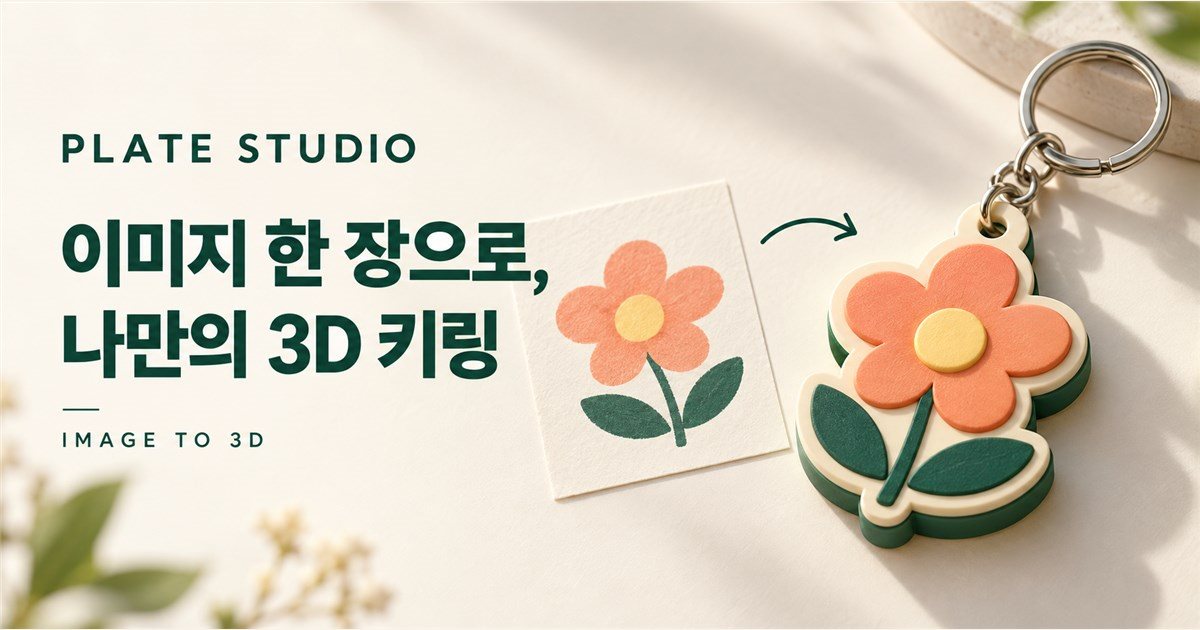
Plate Studio
FreeDrop an image in, get a multi-colour keyring plate. Up to four colours, exported as separate parts.
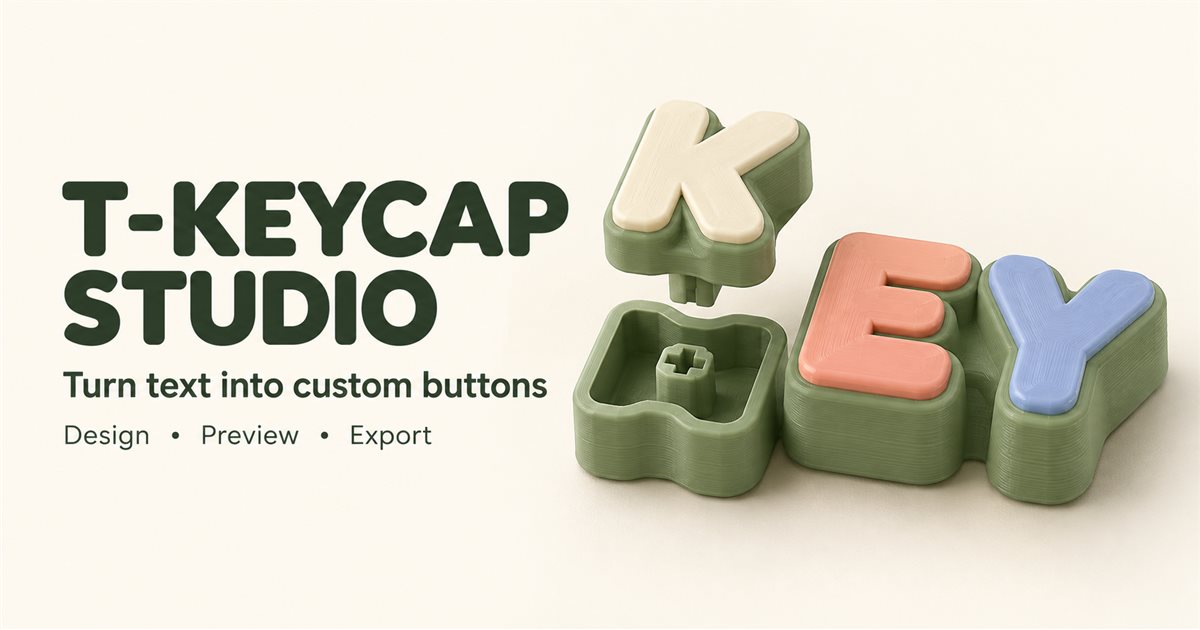
T-Keycap Studio
FreeText on a Cherry MX–compatible clicker cap. Useful for macros, streaming and gifts.
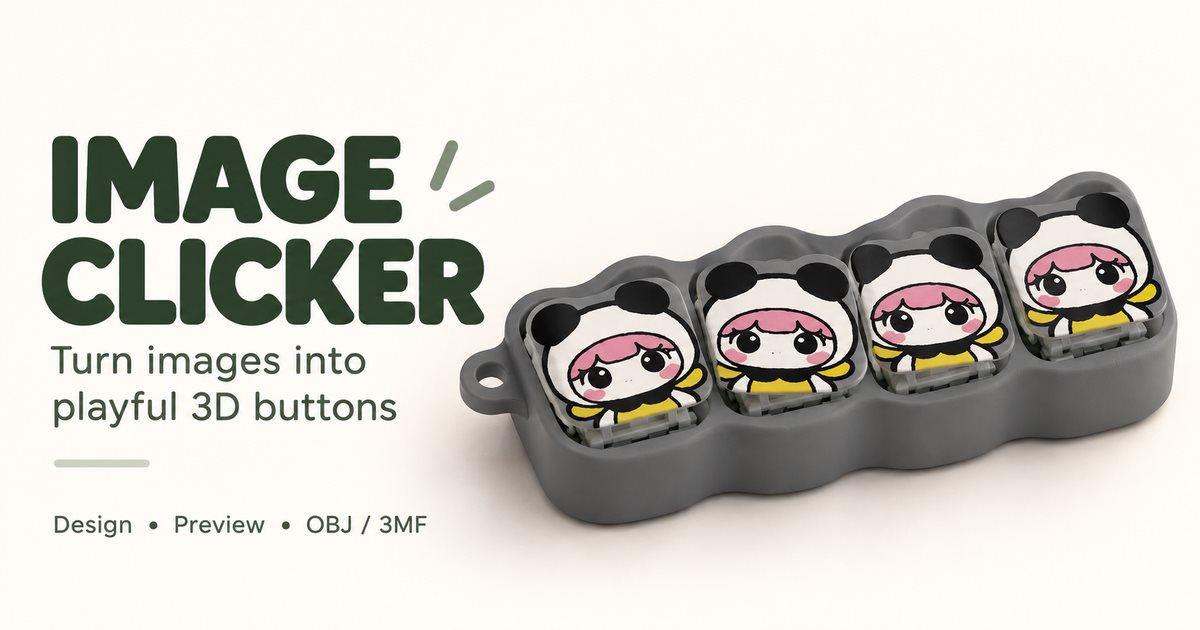
Image Clicker
FreeImage to 3D clicker. Simple shapes print best; keep the image high contrast.
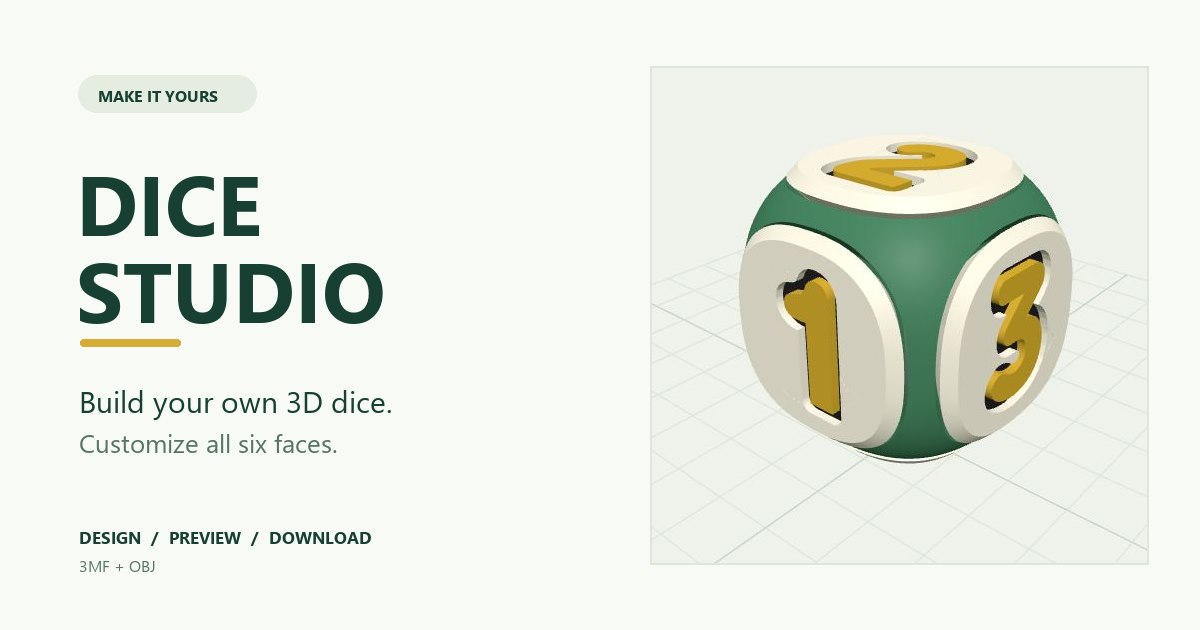
Dice Studio
FreeAssembly dice: a body plus six plates, with pips or letters. Prints in colour on multi-material machines.
Modelling
Start hereTinkercad
FreeBrowser CAD for beginners. Best place to learn boolean shapes in an afternoon.
Blender
FreeFull 3D suite. Overkill for functional parts, excellent for sculpting and art prints.
Fusion 360
TieredParametric CAD. The usual choice for mechanical parts that need exact dimensions.